Headshots · Product visuals · AI · Branding — 5 min
Pro headshots and product visuals with AI
Standalone image generation is ideal for brand portraits and product visuals without organizing a shoot. Combine a clear prompt with a few references to get outputs ready for a website, a landing page, or a social campaign.
1) Turn a selfie into a professional portrait
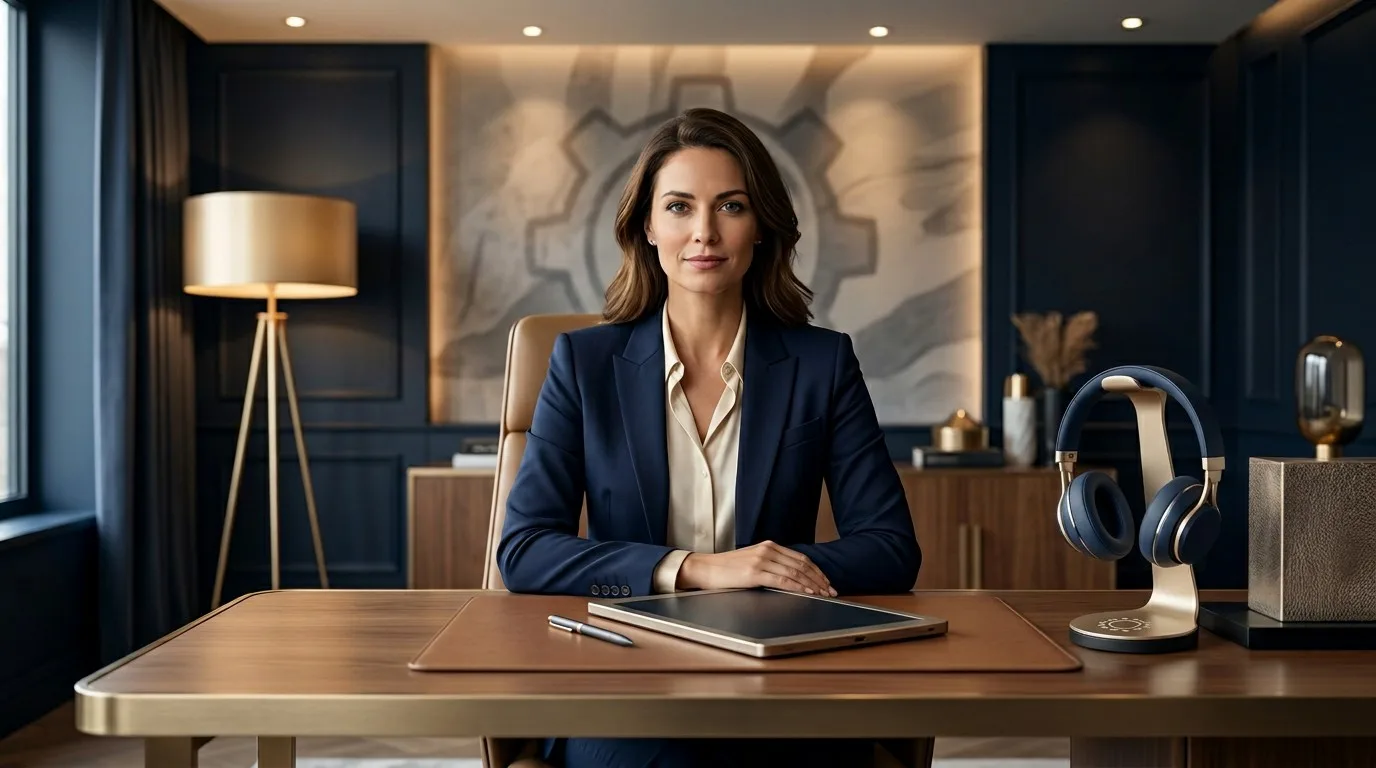
A pro headshot comes down to lighting, framing, and background. With a reference photo and a precise prompt, you get a clean, consistent portrait for LinkedIn, a site, or a pitch deck.
Generate several variants to pick the expression and style that match your personal brand.
This matters even more when you need consistency across touchpoints: profile picture, team page, speaker bio, media kit. Instead of ending up with several mismatched images, you build a cleaner and more credible presence.
The fastest way to get a professional portrait without a studio.
2) Generate consistent product visuals
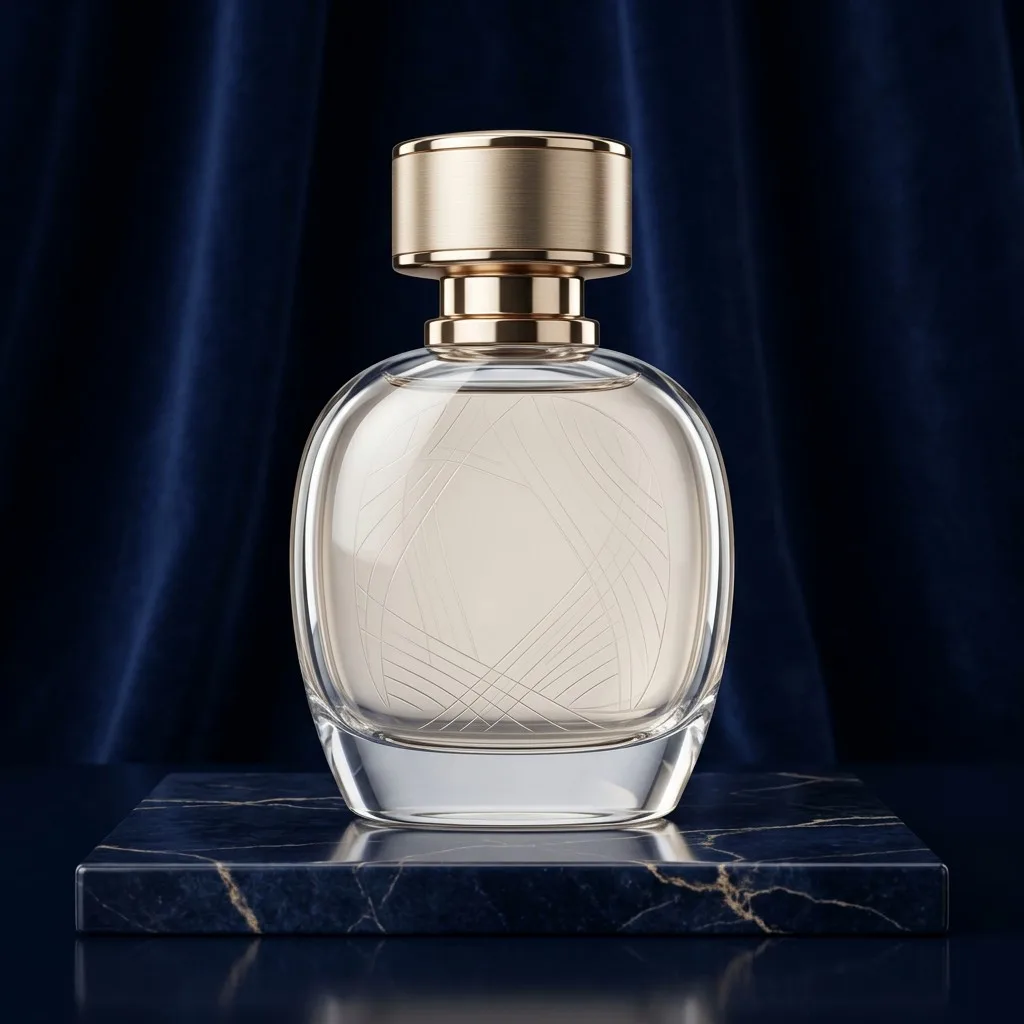
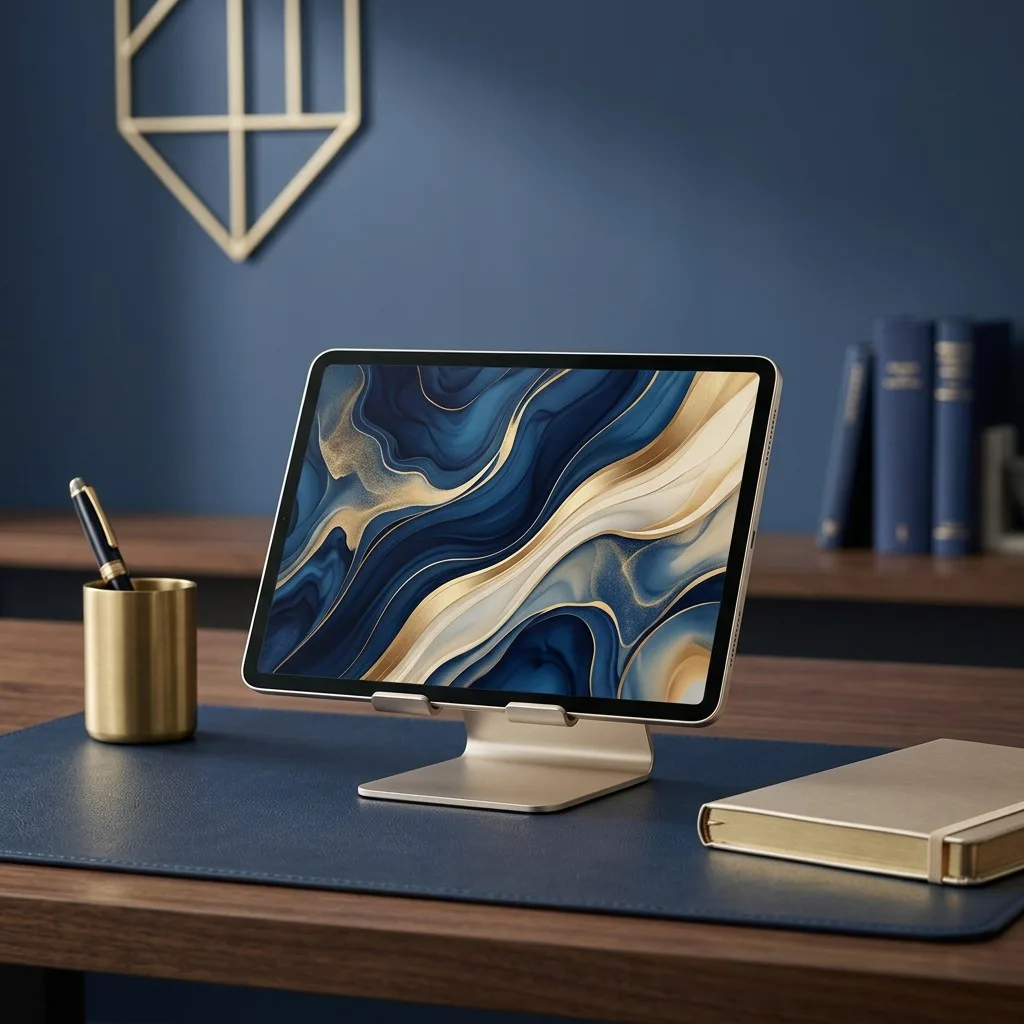
For products, visual consistency matters as much as quality. References help you keep the same light, colors, and style across images.
The result is a compact visual library aligned with your branding, ready for product pages, ads, or social posts.
You can also test several contexts from the same source material: neutral packshot for a product page, lifestyle scene for a campaign, cropped version for social. That gives you more usable assets without relying on a single shoot for everything.
One product, multiple scenes, without the cost of a shoot.
3) Iterate without friction
Standalone mode lets you iterate as much as needed: tweak a detail, regenerate, and download only the best images.
You save time, reduce costs, and stay in control of the final art direction.
That matters beyond design taste. Better portraits build trust, better product visuals clarify the offer, and cleaner pages usually support stronger engagement. The image is not decorative only; it shapes how the brand is perceived.
Fast iteration is how you get truly premium visuals.