TikTok · Automation · Video · My Post Factory — 5 min
How to automate your TikTok account without killing your creativity
TikTok is the platform where video never stops: trends, sounds, edits, captions… producing regularly can quickly become draining. Long term, what truly works isn’t chasing every trend, but maintaining a constant flow of content that is aligned with your brand. My Post Factory lets you automate a big part of that flow while keeping you in control of the creative choices.

1) Decide which videos should be automated
Not every TikTok should be automated. Highly personal messages, direct replies to comments and hot takes on breaking news are better filmed manually.
But many formats can be industrialised: product demos, simulated UGC, simple tutorials, quick walkthroughs, offer reminders, before/after clips, and more.
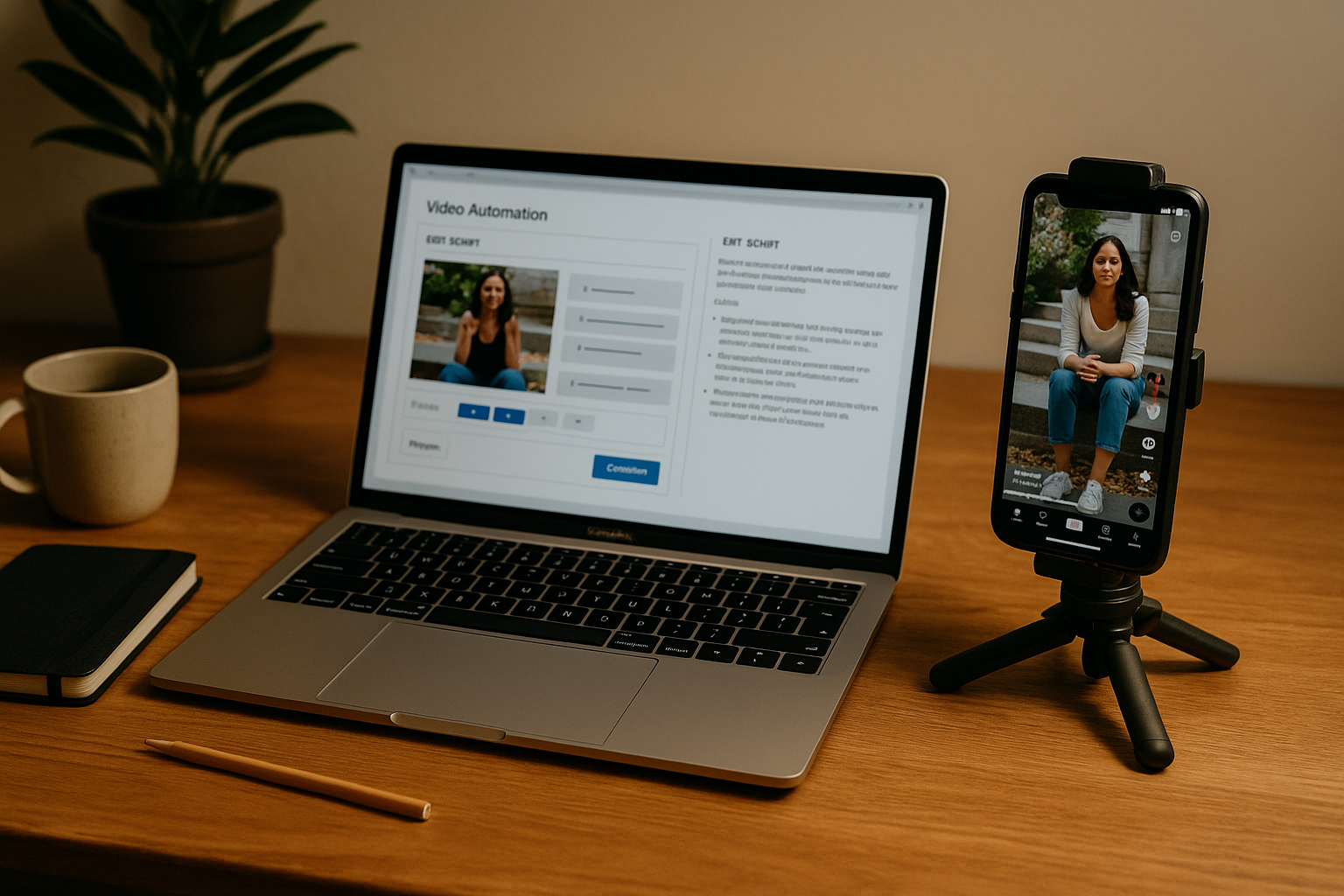
With My Post Factory, you can define recurring video blocks: for example, each week you might have one product demo, one UGC-style video generated from a photo, and one short tutorial. The tool generates scripts and videos from your existing assets.
The goal is not to replace your face everywhere, but to automate the repetitive content that supports your presence.
2) Turn product photos and pages into TikTok videos
You may not have the time or team to shoot new footage every day. The thing is, your products, website, visuals and copy already contain enough raw material.
My Post Factory can use your product photos, brand visuals and website content as inputs: the AI generates vertical videos with on-screen text, simple transitions and a tone adapted to your brand.
You define the style (more UGC, more branded, more tutorial), target length and call to action. The platform then keeps generating videos over time without asking you for constant shoots.
A solid library of photos and copy is enough to fuel dozens of TikTok videos once an automation engine is in place.
3) Let My Post Factory publish while you watch the signals
Once your rules and video templates are set, My Post Factory can handle posting: frequency, time slots, and which video types to use on which days. You decide whether to review each video before it goes live or let the system run on autopilot.
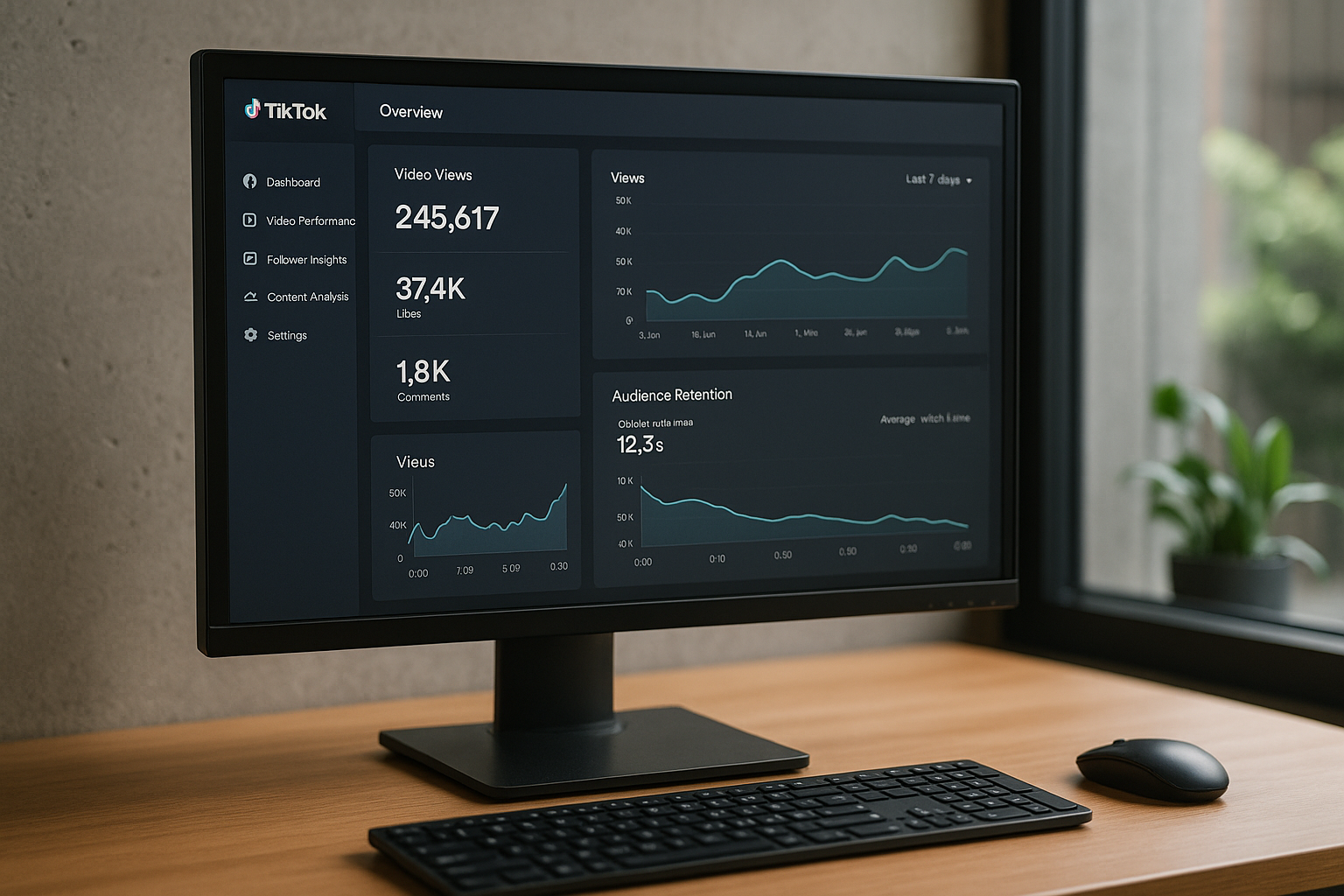
Your role becomes more strategic: instead of racing to invent the next idea, you observe what works. Which formats keep viewers watching? Which topics drive profile or website visits?
From there, you tweak your settings directly in My Post Factory: more tutorials if they perform best, more UGC-style videos if they drive comments, and so on. Creativity stays on your side; logistics and execution sit with the tool.
Automation doesn’t replace your creativity – it gives you the breathing room to actually use it.